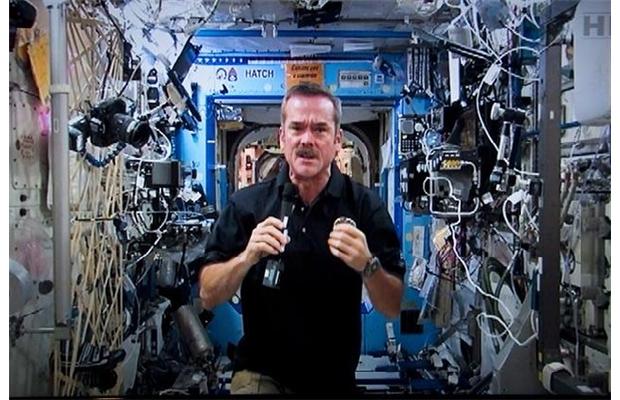
Not sure why I wave – I catch myself doing this every time.
When you see the International Space Station, it’s hard to believe that it’s
386 km (240 miles) away.
Here’s how you can see it:
- Click on this link: spaceflight.nasa.gov/realdata/sightings/
- There’s a section in the top left called ‘Sighting Opportunities’. Choose your country, and follow the prompts to get a schedule for your area. For kicks, I requested a schedule for Cameroon – NASA doesn’t leave anyone out.
- Scan the maximum elevation (4th column). Choose day(s) where the number is higher than 45. That way your view is less likely to be blocked by buildings.
Look for times where the duration is at least 2 minutes so that Chris has time to see you waving.
I’m sure he waves back.
Photo courtesy of THE CANADIAN PRESS/Paul Chiasson
 Play Outside Now
Thanks i’ll try
I wave at my computer screen every time I see one of your posts! Hi There!